The story
A talk, from the speaker's side
What the speaker sees on the confidence monitor, from the walk-on to the handover.
Walk-on
Their title, their name, their time
Before the host presses Start, the confidence monitor shows the talk's title, the speaker's name, and the full length, 20:00, standing still. The speaker knows the clock is theirs before they say a word.
Start
The clock starts
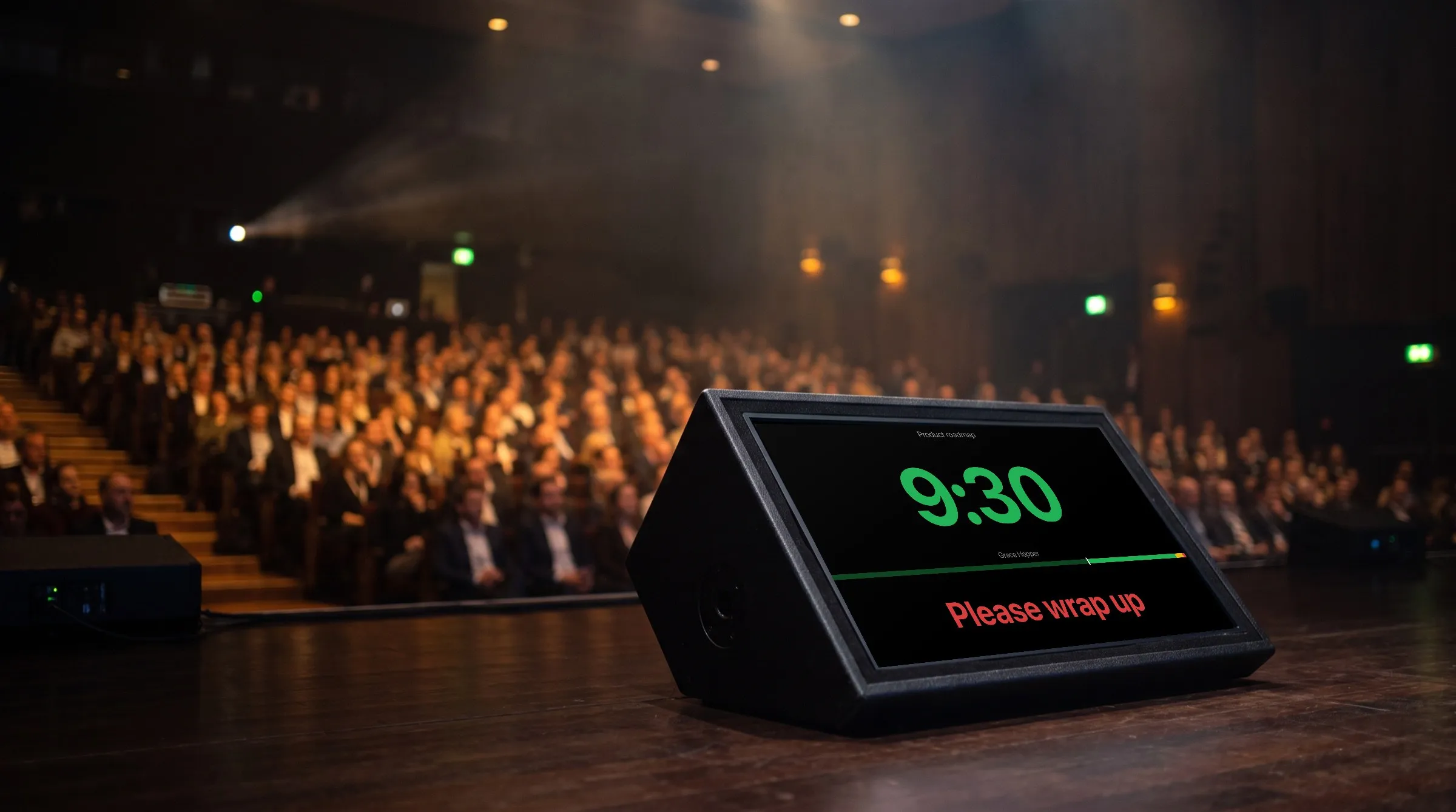
The host presses Space as the speaker says good morning. The digits count down in green across the whole width of the screen, and the bar beneath them shows the slot in green, yellow, and red, with a marker moving along it.
8 minutes in
A nudge the other way
The speaker is racing through the slides. The host sends You have time in green, the speaker takes a breath, and the talk settles. Messages are for more than stopping people.
19 minutes in
Yellow, then red
At one minute left the digits turn yellow, and at fifteen seconds red, which are the defaults and can change for every talk. If the host gave these moments a chime or a flash, every screen with its sound allowed plays the chime, and the digits blink as many times as set.
20 minutes in
Over, and they know by how much
The speaker is on the last slide and past zero. The clock keeps counting in red with a minus sign, so -0:40 says exactly how far over they are. The host sends Please wrap up in red and flashes it three times.
Questions
Time for the audience
The host moves to the next timer, Questions, set to count up with the time of day beneath it, and starts it. The moderator sees how long questions have run and how close the break is.
Handover
The next name on the screen
Next cues the following talk. Its title, the next speaker's name, and its full length appear, waiting for its own start, while the first speaker is still leaving the stage.